Set Up a Review-Ask Routine
Build a simple habit of asking for reviews with your free GBP review link. Most happy customers will never think to leave one on their own, and many will gladly do it if you ask right after the job.
This lesson has a paid link. We earn a commission if you buy through it, at no extra cost to you. Every step still works with the free tools. How we handle paid links.
✓ How To Do It
- In your profile, click Ask for reviews and copy your short review link.
- Save it in a text template, so it's one tap away. Keep the message short and personal.
- Text or email it to every customer right after the job, the same way every time. Only text people who said it's okay.
- Go back through your customers from the last 30 days and email it to them. Text only the ones who agreed to texts.
- Reply to every review, good or bad. Keep bad review replies calm and short, and offer to fix the problem.
- Never buy or fake reviews. It can get your profile suspended.
We use HighLevel for this. It can text your review link automatically when a job is done, and send a follow-up reminder.
Try HighLevelPaid link. We earn a commission if you buy through it. It costs you nothing extra.
Not needed to finish this step. Every step works with the free tools above.
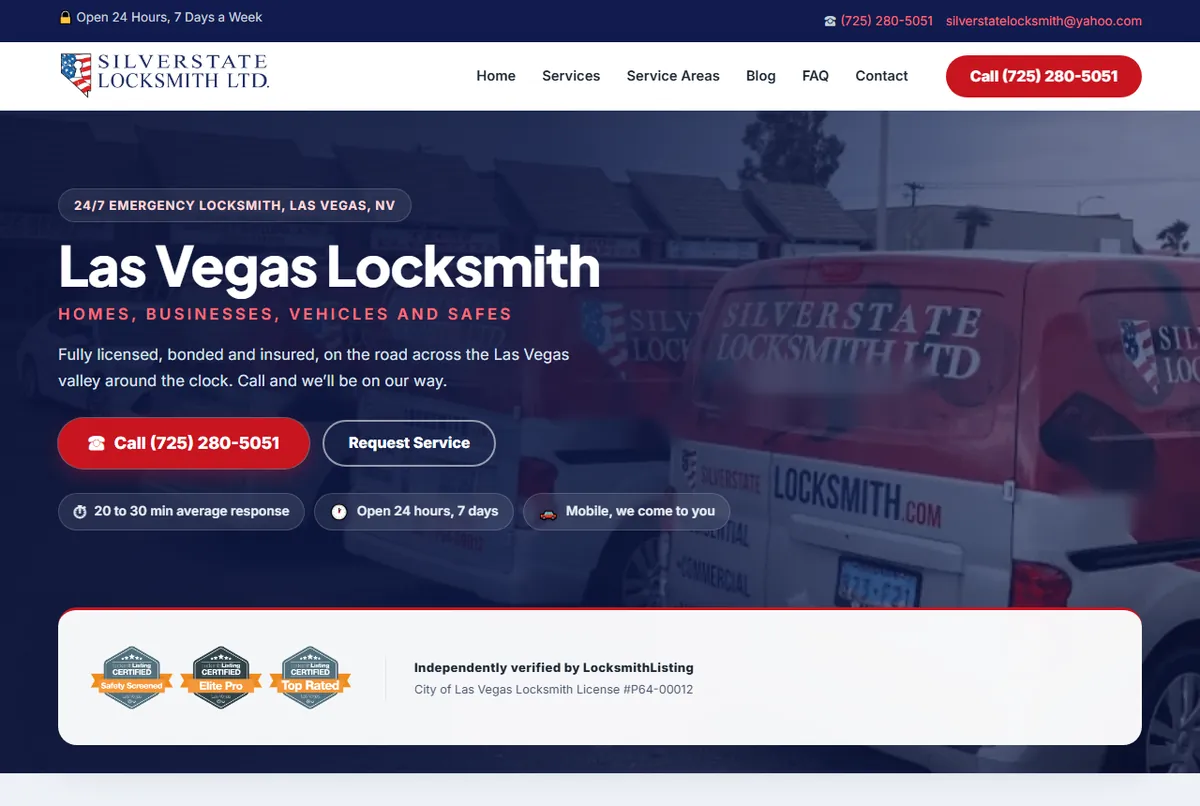
We ask for the review right after the win, with the direct link, and only then. Not in the invoice, not a week later. Meet Mike and Ezra of Silver State Locksmith in the video. A face on the website makes the business feel like people, which is who customers write reviews for.
- Don't offer a discount or gift for a review. Google's rules ban it. You can only ask.
- Don't sort customers first and only ask the happy ones through a filter page. Google calls that review gating, and it's against the rules.
- Ask customers to say what you fixed and what city they're in, if they're willing. Those details help others decide.
Email Me The Free Course
Get your course link in your inbox so you can pick it up on any device. It's free, with no card.