Optimize Images
Give every image descriptive alt text and file names. Alt text is the short description a screen reader speaks aloud, and it shows if the image fails to load. It's a small job that also helps your speed.
✓ How To Do It
- Rename files before upload (red-brake-pad-replacement.jpg, not IMG_1234.jpg).
- Write alt text that describes the image and includes the keyword where it fits.
- Compress images (WebP is a good choice) so they don't slow the page.
- Geotag your photos. Look up the latitude and longitude of the area the photo shows with a free geocoder, then write it into the photo's GPS data before you upload.
- Check the tags survive. Resizing or converting a photo often strips its GPS data, so geotag the final file, not the original.
The Supercanic site uses 18 real photos from our own bays instead of stock. Before any job photo goes live we check every frame for license plates and faces. A phone photo taken in a customer's driveway also stores their exact location, so we remove that first. If you geotag a photo, use the town or area you serve, never the customer's address. A real photo of your work beats a stock photo, as long as it doesn't give away a customer's car, face or home.
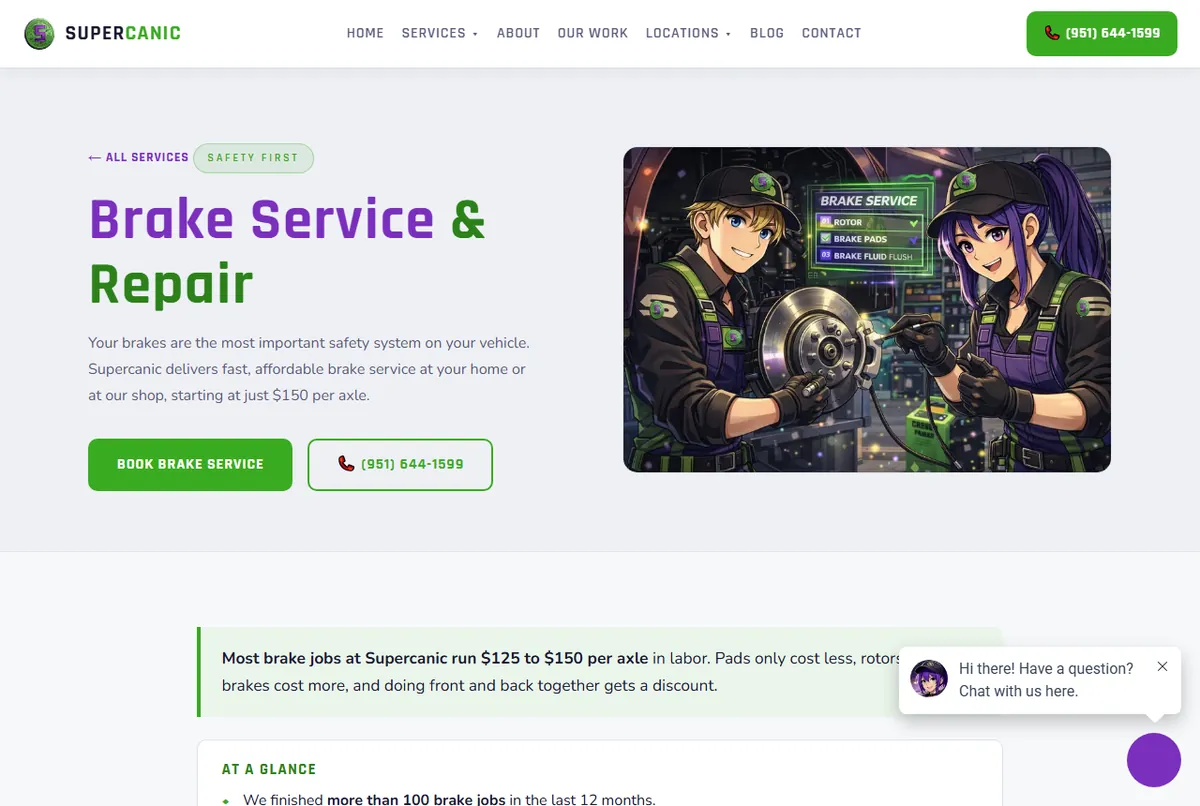

- Describe what's truly in the photo. A list of keywords is not alt text, and it makes the page worse for screen reader users.
- Decorative images, like background shapes, can have empty alt text.
- If your photo already has real GPS data from where you took it, keep it. Use the geocoder only for photos with none. Use real photos of your work whenever you can.
Email Me The Free Course
Get your course link in your inbox so you can pick it up on any device. It's free, with no card.